
-bk.svg) Utile
 Products
 Dimensions


Your shopping cart is empty!
-
 Digital Signage
Digital Totems without touchscreen -
 Info Kiosk
Digital Totems with touchscreen -
 For Indoor use
Digital Totems for indoor useHoreca POS -
 For Outdoor use
Digital Totems for outdoor use -
 Applications
Operating systems and management software -
 Accesories
Digital Totems accesories -
 Urban Smart Furniture
Smart benches




Mar
28
A complete guide for administrators and technicians
The “Wrong system time” error is one of the most common issues encountered on devices managed through SiteKiosk Online. It appears when the system clock is not properly synchronized with NTP servers, which can affect application behavior, SSL certificates, and communication with the SiteKiosk platform.
This guide walks you step‑by‑step through the process of fixing the issue using the Recovery Shell feature in SiteKiosk Online.
Step 1: Access the Device from SiteKiosk Online
To begin the troubleshooting process:
- Log in to your SiteKiosk Online account.
- Navigate to the Monitoring section.
- Select the kiosk device showing the “Wrong system time” error.
- In the device panel, go to:
Administration → Recovery Shell - Click Start to open a PowerShell session.
You now have direct access to the device console and can run the required commands.
Step 2: Repair the Windows Time Service (w32time)
In the PowerShell window, enter the following commands in order. These commands ensure the service is running, configured correctly, and restarted.
1️⃣ Make sure the service is running
Start-Service w32time
2️⃣ Set the service to start automatically
Set-Service w32time -StartupType Automatic
3️⃣ Start the service again
Start-Service w32time
This confirms that the service is running properly after updating the startup type.
Step 3: Force a Time Resynchronization
Now you can manually sync the system time:
w32tm /resync
If everything is configured correctly, you should see:
“The command completed successfully.”
This confirms that the time synchronization worked and the “Wrong system time” error will disappear from SiteKiosk Online.
Conclusion
Fixing the “Wrong system time” error is quick and does not require physical access to the kiosk. With just a few commands executed in the Recovery Shell, you can restore proper time synchronization and ensure the device operates normally.
For environments with multiple kiosks, it’s recommended to periodically check the status of the w32time service to prevent the issue from recurring.


Your opinion is very important to us. You could tell us what you thought of this article.
The posts written by you will have to be approved by the administrator, but no worry, we will check the message, and if it is a legitimate one, regardless of your opinion, we will post it. Your email address will not be published. Marked fields are required*
Articles categories
Popular Posts
-
 18.12.2021
Partnership with Gheorghe Asachi University of Iasi
-
 30.10.2020
Cluj-Napoca - the city with digital streets
-
 24.08.2020
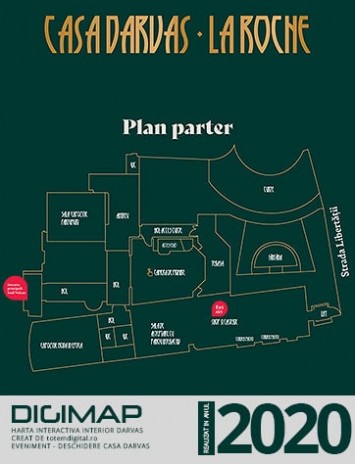
Digimap - The perfect solution for digitizing
-
 26.10.2026
Smart Bus Stops – Modern Solutions for Urban Mobility
-
 26.10.2026
Smart Bins – Modern Waste Management Solutions for Smart Cities
-
 26.10.2026
Smart Benches – Intelligent Urban Furniture for Modern Cities
-
 26.10.2026
Outdoor Digital Totems – Modern Solutions for University Campuses
-
 26.10.2026
Outdoor Digital Totems – Modern Solutions for Parks and Tourist Zones
-
 26.10.2026
Outdoor Digital Totems – Modern Solutions for Airports and Train Stations
-
 26.10.2026
Outdoor Digital Totems – Modern Solutions for Shopping Centers and Retail
Are you looking for Digital Signage Systems, digital totems or indoor/outdoor info‑kiosks?
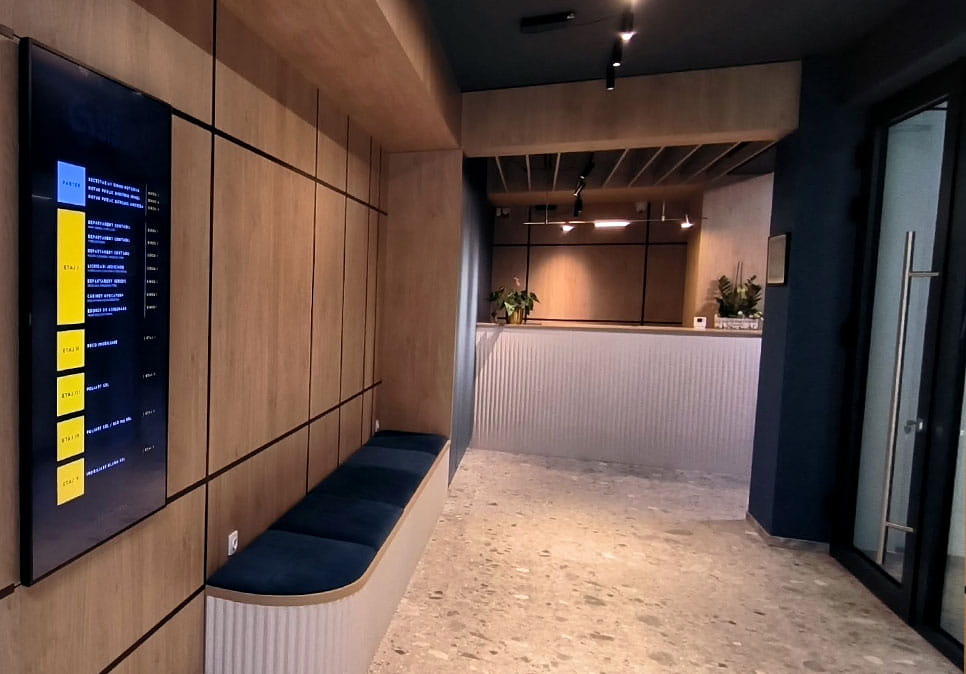
Totem Digital Romania provides a complete range of professional digital signage solutions in Romania, designed for companies and public institutions that need reliable, highly visible, and easy‑to‑manage digital display systems. Our portfolio includes weather‑resistant outdoor totems, touch info‑kiosks for public interaction, industrial indoor displays, high‑brightness LED panels, and presentation systems tailored for high‑traffic areas.
Each device is built for continuous 24/7 operation and uses modern technologies: Full HD and 4K resolutions, brightness optimized for outdoor environments, anti‑vandal metal enclosures, tempered glass, and content management software compatible with any digital signage platform. This ensures your messages remain clear, visible, and easy to update, whether displayed in a mall, airport, public institution, hotel, or commercial space.
Our outdoor digital totems and touch info‑kiosks are ideal for promotion, wayfinding, information delivery, and direct user interaction. Additionally, LED panels and professional displays offer excellent visibility in high‑light environments, making them suitable for events, exhibitions, receptions, or waiting areas.
Choosing the right digital display system can significantly improve how your audience perceives your brand. Totem Digital Romania provides robust, scalable, and performance‑optimized equipment, ensuring your visual communication is modern, efficient, and aligned with current market needs.
Explore our full range of outdoor totems, touch info‑kiosks, LED panels, and digital signage solutions in Romania, and choose the equipment that best fits your project.
You’re looking for modern solutions in intelligent urban furniture, smart benches, smart waste bins, or digital bus stops for your city?
Totem Digital Romania develops and integrates a complete range of Smart City equipment, designed for public administrations, real estate developers, and companies that need reliable, durable, and easy-to-manage urban infrastructure. Our portfolio includes smart benches with USB charging and solar panels, intelligent bins with compacting, digital bus stations with real-time display, as well as modern urban furniture adapted to high-traffic areas.
Our intelligent urban furniture solutions are ideal for modernizing public spaces, increasing citizen comfort, and optimizing operating costs. Smart benches provide charging for mobile devices and autonomous lighting, intelligent bins reduce the number of collections through automatic compacting, and digital bus stations display real-time information and improve the passenger experience.
Choosing the right Smart City system can transform the way the community interacts with public space. Totem Digital Romania provides robust, scalable, and performance-optimized equipment, so that urban infrastructure is modern, efficient, and adapted to current needs.
Discover the complete range of intelligent urban furniture, smart benches, intelligent waste bins, digital bus stations and Smart City solutions, and choose the equipment that best fits your project.
Digital Signage
Infokiosk
Indoor use
Outdoor use
Content management
Interactive applications
Informations
Your account

LINKS
FOR YOU


Totem Digital Romania | Toate drepturile rezervate.
No comments